

Set up the extension once, and every download link you click in Firefox, Chrome, Edge, Brave, Opera or Vivaldi goes to GDM.
قبل أن تبدأ
On Windows, GDM must be installed with the setup, with Set up browser integration (Chrome, Edge, Brave, Firefox) ticked. It is ticked by default. If you're not sure, run the setup again. A portable copy can't do this. On Linux and macOS, start GDM once: it sets browser integration up itself.
GDM's Add GolinksPRO Download Manager to your browser window, which opens at each start until a browser's extension has reached GDM, does the steps below for you: Add the extension opens the store's page in that browser.
بعد الإعداد، ينتقل رابط التنزيل كالتالي:
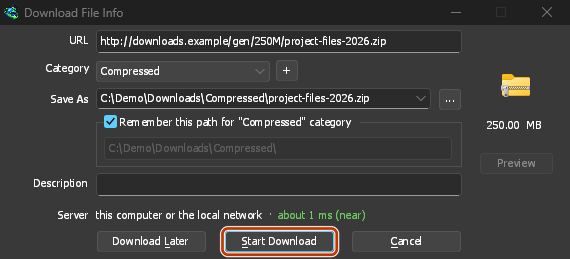
Click a download link in the browser: Download File Info opens in GDM. 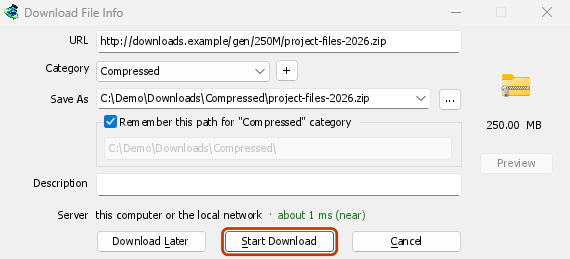
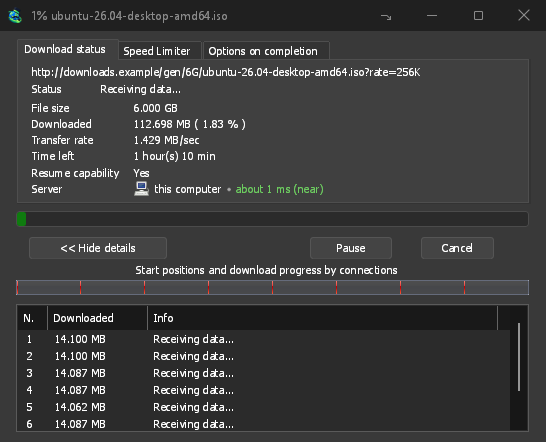
«بدء التنزيل»: تعرض نافذة التقدم الملف أثناء تنزيله. 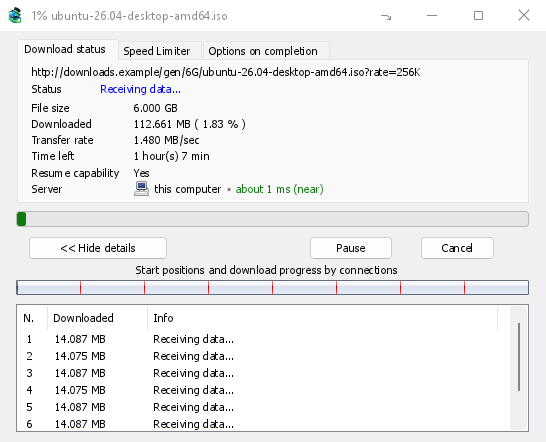
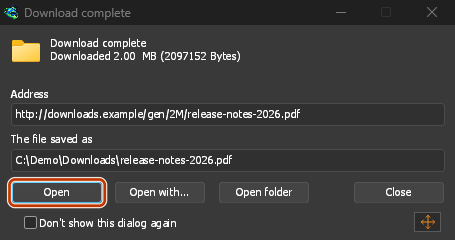
«اكتمل التنزيل»: افتح الملف أو المجلد. 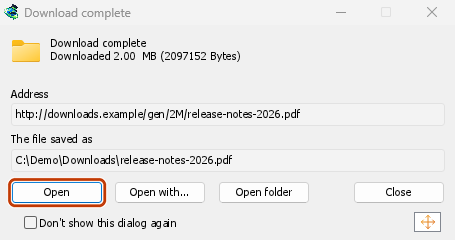
في Firefox
- Open the add-on's page on addons.mozilla.org, GolinksPRO Download Manager, and click Add to Firefox. Zen and LibreWolf use the same page.
- يطلب Firefox التأكيد: انقر على إضافة. يحدث Firefox الإضافة تلقائيا.
- Go to a web page and click a download link, for example a ZIP or an EXE: GDM opens Download File Info. Click Start Download.
في Chrome أو Edge أو Brave أو Opera أو Vivaldi
- Open the extension's page in the Chrome Web Store, GolinksPRO Download Manager, and click Add to Chrome. In Edge the button is Get, and Edge first asks to Allow extensions from other stores: click Allow.
- يطلب المستعرض التأكيد: انقر على إضافة الإضافة. يحدث المستعرض الإضافة تلقائيا.
- Go to a web page and click a download link, for example a ZIP or an EXE: GDM opens Download File Info. Click Start Download.
بدون المتجر
عندما يتعذر على المستعرض استخدام متجره (على جهاز تديره مؤسسة أو في إصدار أنشأته بنفسك)، أضف الإضافة يدويا:
- افتح صفحة الإضافات في مستعرضك: اكتب
chrome://extensionsأوedge://extensionsأوbrave://extensionsفي شريط العناوين. - شغل وضع المطور.
- انقر على تحميل غير معبأ.
- Choose the
extension\chromiumfolder inside GDM's folder. If you installed GDM for yourself, that is%LOCALAPPDATA%\Programs\GolinksPRO Download Manager\extension\chromium; you can paste that path into the folder box. - GolinksPRO Download Manager appears. Make sure it is turned on.
- انتقل إلى صفحة ويب وانقر على رابط تنزيل، مثل رابط لملف ZIP أو EXE.
- GDM opens Download File Info instead of the browser downloading the file. Click Start Download.
You don't need to start GDM first: if it isn't running, it starts by itself.
Choose what GDM takes
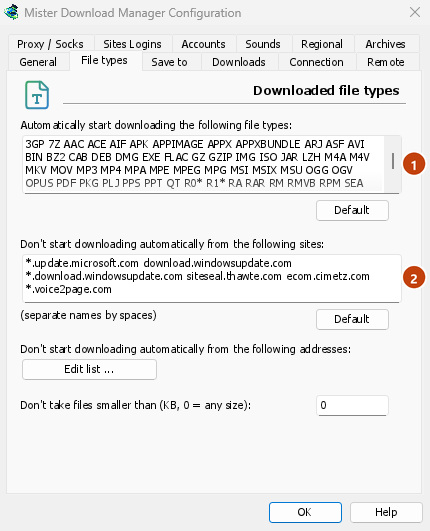
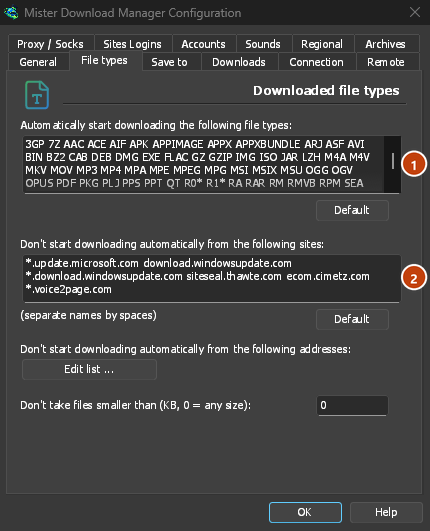
- أنواع الملفات: الخيارات → أنواع الملفات → بدء تنزيل أنواع الملفات التالية تلقائيا. أضف الأنواع أو أزلها، وافصل بينها بمسافات.
- المواقع التي يجب تجاهلها: الخيارات → أنواع الملفات → عدم بدء التنزيل تلقائيا من المواقع التالية. أضف اسم الموقع، مثلا
downloads.example.comأو*.example.com. - One browser only: Options → General → Capture downloads from the following browsers. Untick the ones GDM should leave alone.
Everything GDM doesn't take stays with the browser.
تنزيل رابط يفتحه المتصفح
Links to a PDF or a video file, which the browser would open itself, go to GDM too when their type is listed. To leave one to the browser, hold Alt while clicking it (Firefox opens it; Chrome and Edge download it themselves). Any other link: right-click it and choose Download with GolinksPRO Download Manager, which takes any type.
الخطوات التالية
- تفاصيل الربط بالمستعرض (Firefox، النوافذ الخاصة، ما يرسل) →
- إذا لم يسلم المستعرض التنزيلات إلى GDM →
- التنزيل أثناء الليل →
مجاني، مفتوح المصدر، بدون إعلانات، بدون فترة تجريبية.
Download GolinksPRO Download Manager