

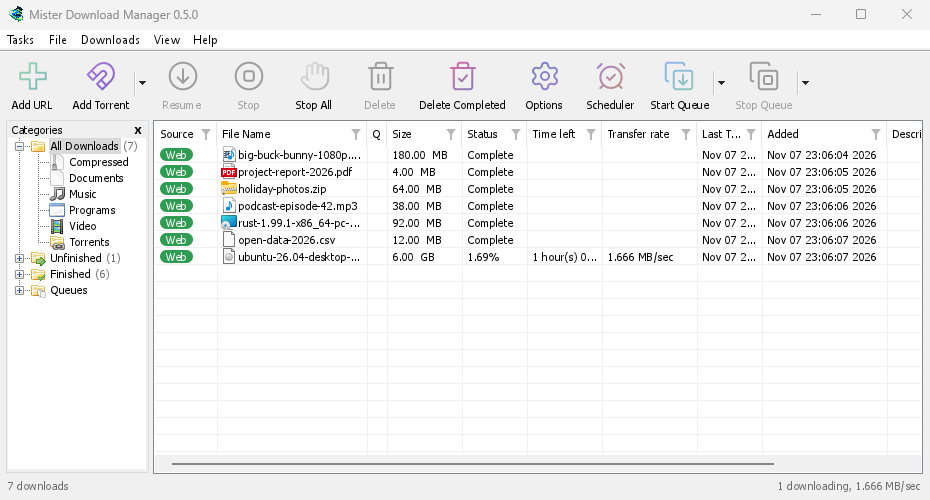
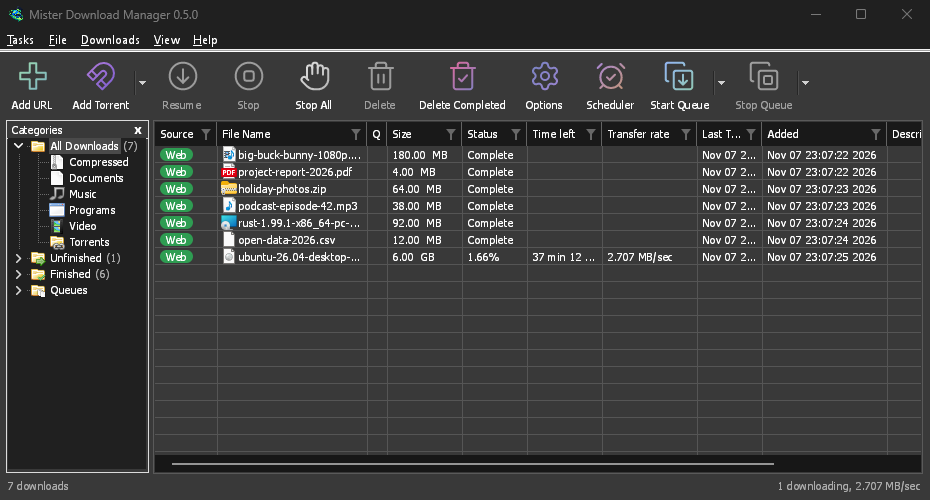
Windows:三种获取方式
On 64-bit Windows 10 and 11, GDM is the stable, recommended build. The download page offers three files:
- The installer (
setup.exe), the one to pick unless you have a reason not to. It installs for you alone without administrator rights, or for everyone, and can set up browser integration and open.torrentfiles and magnet links with GDM. - 便携版 (
portable.zip),可从任何文件夹运行。 - 普通 zip 包 (
x64.zip),不带安装程序的相同程序。
帮助 → 检查更新 → 立即更新会下载新版本,检查其签名,将其放置到位并重新启动,适用于安装程序和两种 zip 包。
便携版:所有内容都在一个文件夹中
Unzip the portable copy anywhere, a USB stick included. The download list, the settings, the
video helpers and torrent data stay in a data folder next to the program, and nothing is
written to the registry. Two things need the installer instead: starting with Windows, and
taking downloads from the browser, since both go through the registry. Carry GDM on a USB
stick shows the set-up.
Mac 和 Linux:当前版本
目前标有 -experimental 的文件适用于 macOS 11 及更高版本(Apple Silicon 或 Intel 芯片),以及 x86-64 架构的 Linux:包括适用于大多数发行版的 AppImage、适用于 Ubuntu、Debian、Mint 和 Pop!_OS 的 .deb、适用于 Fedora、openSUSE 和 RHEL 的 .rpm,以及普通程序的 .tar.gz。请告诉我们您的使用体验,无论好坏。
There, GDM connects itself to your browsers at each start, has its tray icon, follows the
system's light or dark look and uses the system's fonts and ffmpeg. The Mac app isn't notarized
by Apple yet, so macOS asks before its first start: right-click it and choose Open (on
macOS 15 and later, System Settings → Privacy & Security → Open Anyway). A .deb or .rpm
update opens in the system's installer. A few parts work only on Windows, and the help says so
where it matters.
Linux,已在四种桌面环境上测试
Linux won't be experimental any more: every change is now checked on a Linux desktop as well as
on Windows. GNOME, KDE Plasma, Xfce and Cinnamon were checked window by window: the tray icon and
its menu, Minimize to the notification area, Dark Mode support following the desktop, and the
browsers handing downloads over (Ubuntu's Snap Firefox, Google Chrome and Brave). A Wayland
session runs GDM through XWayland, so menus open under their titles, on tiling compositors such
as sway too. The .deb and .rpm were installed in clean Ubuntu 24.04, Debian 12 and Fedora 45
systems and bring everything GDM needs; from the AppImage or the .tar.gz, a missing library is
named at start with the command that installs it. Update now asks the package manager which
package GDM is.
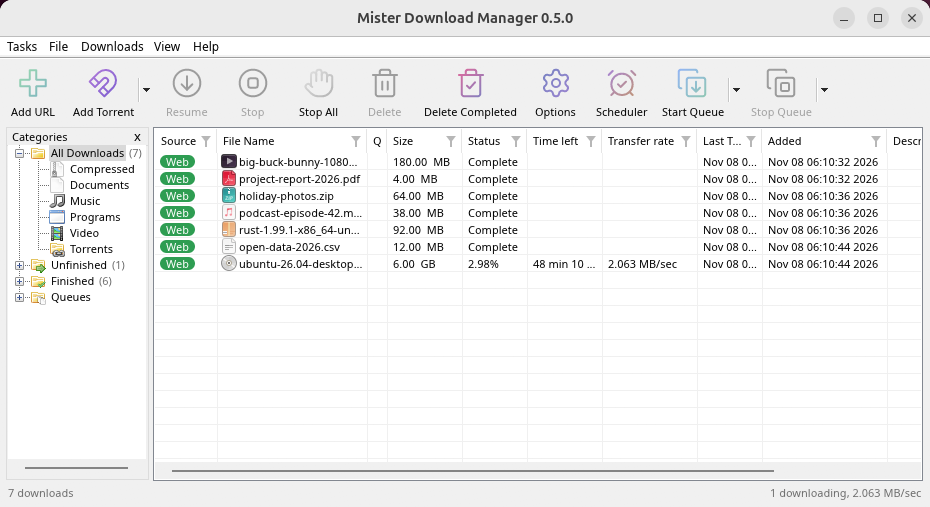
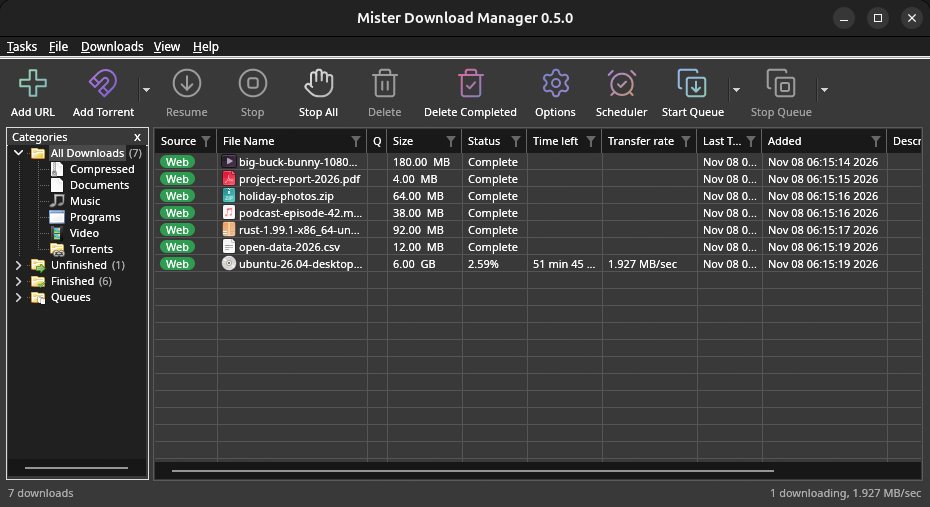
What's left: the Flatpak Firefox isn't checked yet; screen readers (Orca) don't read GDM's windows on Linux yet; and native Wayland windows can't place menus, so XWayland stays the default. macOS stays experimental: its builds are made and tested by GitHub Actions, not yet on a Mac of ours.
更小的 Mac 下载,更轻的 Linux 更新
The Mac gets two smaller downloads, one for Apple Silicon and one for Intel, instead of one
universal .dmg of 80 MB. From 0.2.4 or older, update the Mac once by hand: Download in
Check for updates opens the release, where you pick your Mac's file. The AppImage can update
through AppImageLauncher, Gear Lever and AppImageUpdate, which fetch only the parts that changed.
Linux can draw with Vulkan and macOS with Metal, from View → Draw with, while OpenGL stays the
default there. In a Wayland session, GDM runs through XWayland so its menus open where you click.
免费、开源、无广告、无试用版。
Download GolinksPRO Download Manager