

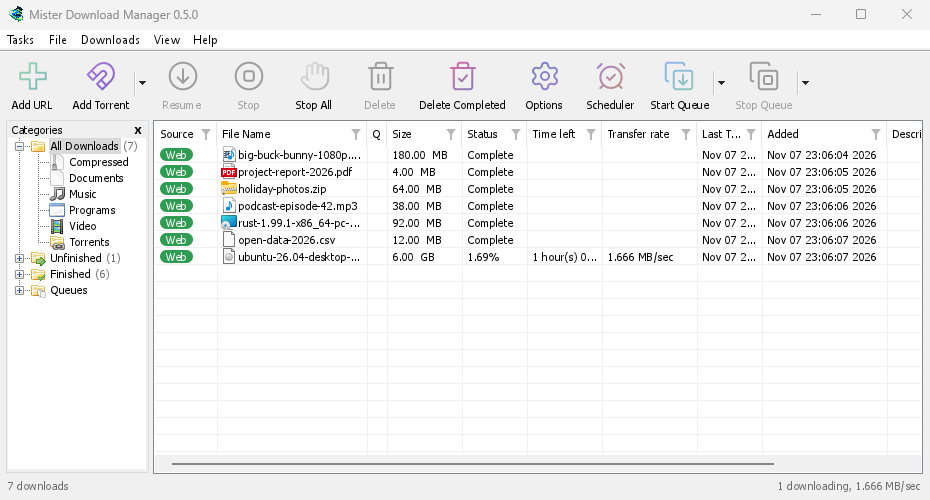
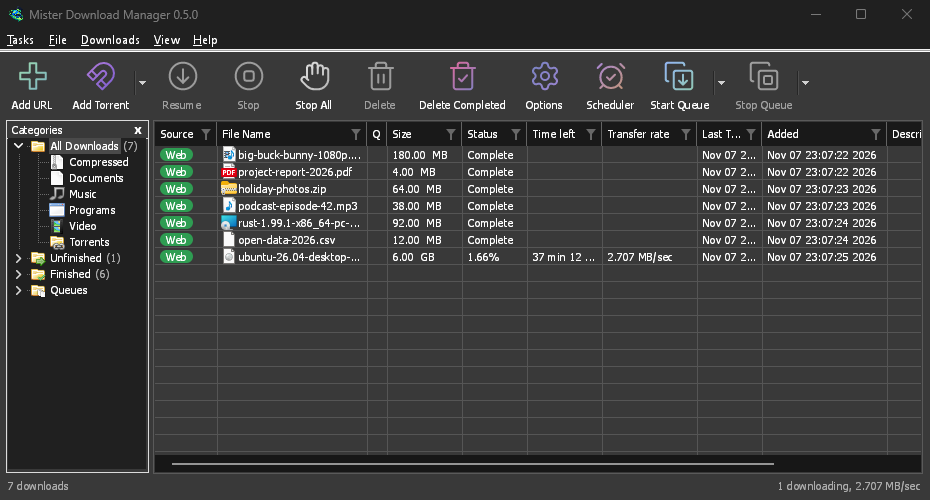
Windows: 3 つの入手方法
On 64-bit Windows 10 and 11, GDM is the stable, recommended build. The download page offers three files:
- The installer (
setup.exe), the one to pick unless you have a reason not to. It installs for you alone without administrator rights, or for everyone, and can set up browser integration and open.torrentfiles and magnet links with GDM. - ポータブル版 (
portable.zip): 任意のフォルダーから実行できます。 - 通常の zip ファイル (
x64.zip): インストーラーなしで同じプログラムが提供されます。
ヘルプ → 更新プログラムの確認 → 今すぐ更新 を選択すると、新しいバージョンがダウンロードされ、署名が確認され、配置されて再起動されます。これはセットアップ版と両方の zip 版で利用できます。
ポータブル版: すべてを 1 つのフォルダーに
Unzip the portable copy anywhere, a USB stick included. The download list, the settings, the
video helpers and torrent data stay in a data folder next to the program, and nothing is
written to the registry. Two things need the installer instead: starting with Windows, and
taking downloads from the browser, since both go through the registry. Carry GDM on a USB
stick shows the set-up.
Mac と Linux: 現在の提供状況
現在、-experimental とマークされているファイルは、Apple Silicon または Intel を搭載した macOS 11 以降、および x86-64 の Linux 用です。ほとんどのディストリビューション用の AppImage、Ubuntu、Debian、Mint、Pop!_OS 用の .deb、Fedora、openSUSE、RHEL 用の .rpm、および通常のプログラムの .tar.gz があります。ご意見をお聞かせください (良い点、悪い点にかかわらず)。
There, GDM connects itself to your browsers at each start, has its tray icon, follows the
system's light or dark look and uses the system's fonts and ffmpeg. The Mac app isn't notarized
by Apple yet, so macOS asks before its first start: right-click it and choose Open (on
macOS 15 and later, System Settings → Privacy & Security → Open Anyway). A .deb or .rpm
update opens in the system's installer. A few parts work only on Windows, and the help says so
where it matters.
Linux: 4 つのデスクトップで確認済み
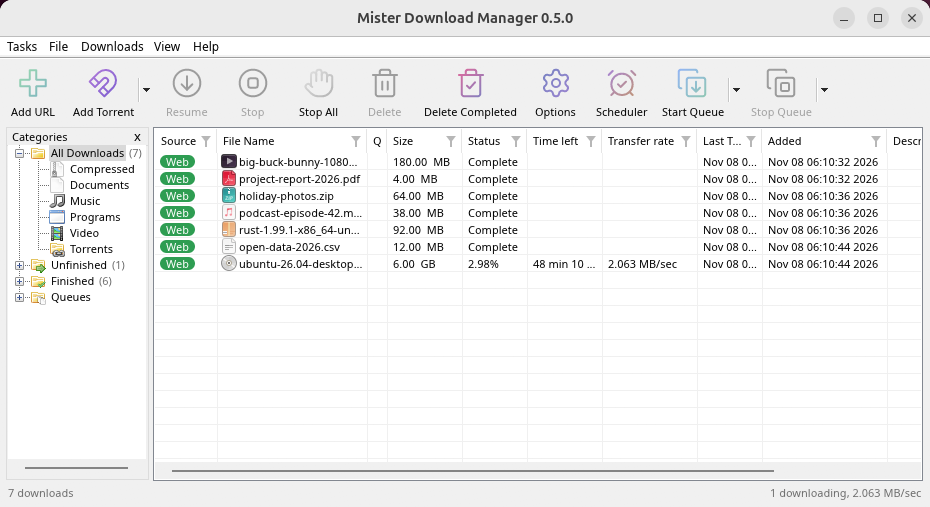
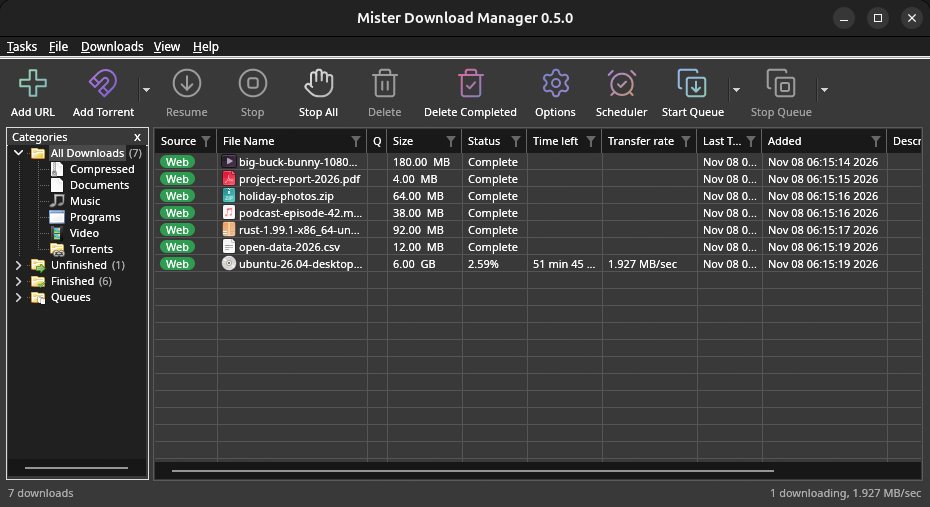
Linux won't be experimental any more: every change is now checked on a Linux desktop as well as
on Windows. GNOME, KDE Plasma, Xfce and Cinnamon were checked window by window: the tray icon and
its menu, Minimize to the notification area, Dark Mode support following the desktop, and the
browsers handing downloads over (Ubuntu's Snap Firefox, Google Chrome and Brave). A Wayland
session runs GDM through XWayland, so menus open under their titles, on tiling compositors such
as sway too. The .deb and .rpm were installed in clean Ubuntu 24.04, Debian 12 and Fedora 45
systems and bring everything GDM needs; from the AppImage or the .tar.gz, a missing library is
named at start with the command that installs it. Update now asks the package manager which
package GDM is.
What's left: the Flatpak Firefox isn't checked yet; screen readers (Orca) don't read GDM's windows on Linux yet; and native Wayland windows can't place menus, so XWayland stays the default. macOS stays experimental: its builds are made and tested by GitHub Actions, not yet on a Mac of ours.
Mac のダウンロードをより小さく、Linux の更新をより軽く
The Mac gets two smaller downloads, one for Apple Silicon and one for Intel, instead of one
universal .dmg of 80 MB. From 0.2.4 or older, update the Mac once by hand: Download in
Check for updates opens the release, where you pick your Mac's file. The AppImage can update
through AppImageLauncher, Gear Lever and AppImageUpdate, which fetch only the parts that changed.
Linux can draw with Vulkan and macOS with Metal, from View → Draw with, while OpenGL stays the
default there. In a Wayland session, GDM runs through XWayland so its menus open where you click.
無料、オープンソース、広告なし、試用期間なし。
Download GolinksPRO Download Manager