

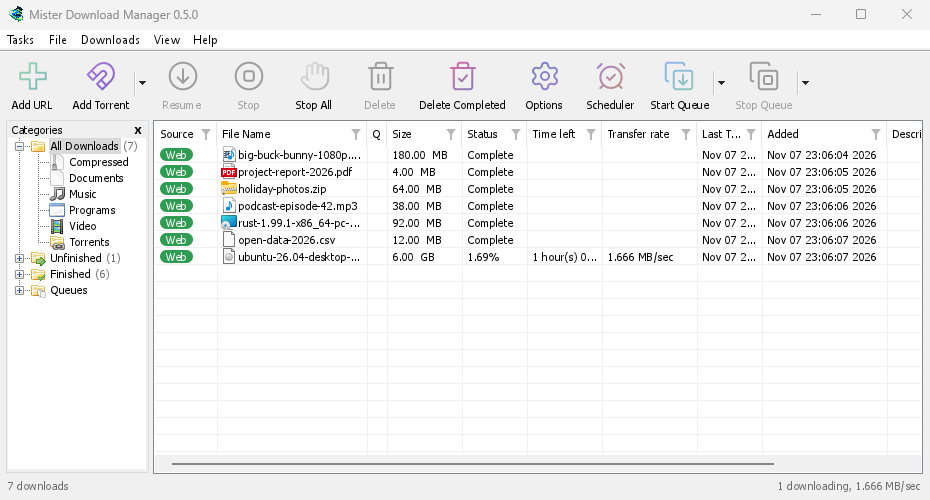
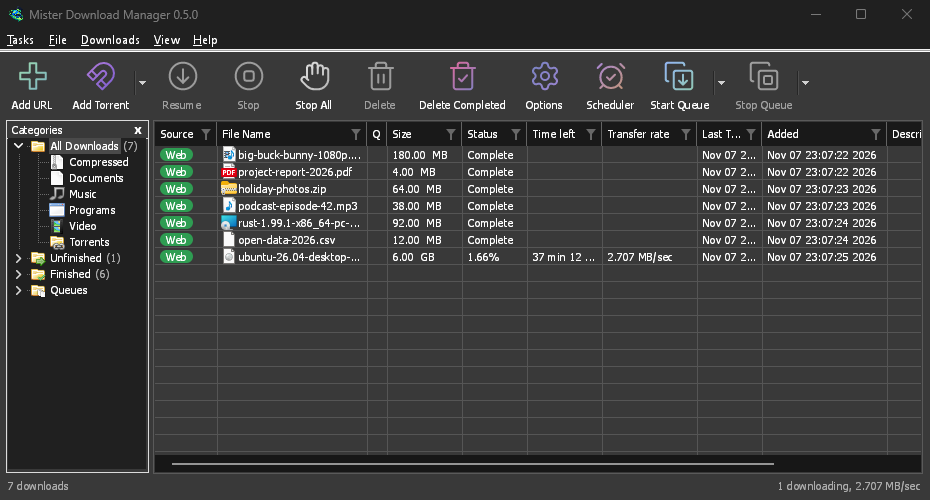
Windows: 세 가지 설치 방법
On 64-bit Windows 10 and 11, GDM is the stable, recommended build. The download page offers three files:
- The installer (
setup.exe), the one to pick unless you have a reason not to. It installs for you alone without administrator rights, or for everyone, and can set up browser integration and open.torrentfiles and magnet links with GDM. - 휴대용 복사본(
portable.zip): 어떤 폴더에서든 실행됩니다. - 일반 zip 파일(
x64.zip): 설치 프로그램 없이 동일한 프로그램이 들어 있습니다.
도움말 → 업데이트 확인 → 지금 업데이트를 선택하면 새 버전을 다운로드하고 서명을 확인한 다음 설치하고 다시 시작합니다. 이는 설치 프로그램과 두 가지 zip 파일 모두에 해당합니다.
휴대용: 모든 것이 한 폴더에
Unzip the portable copy anywhere, a USB stick included. The download list, the settings, the
video helpers and torrent data stay in a data folder next to the program, and nothing is
written to the registry. Two things need the installer instead: starting with Windows, and
taking downloads from the browser, since both go through the registry. Carry GDM on a USB
stick shows the set-up.
Mac 및 Linux: 현재 제공되는 기능
오늘 -experimental로 표시된 파일은 Apple Silicon 또는 Intel 기반 macOS 11 이상과 x86-64 기반 Linux용입니다. 대부분의 배포판용 AppImage, Ubuntu, Debian, Mint 및 Pop!_OS용 .deb, Fedora, openSUSE 및 RHEL용 .rpm, 그리고 일반 프로그램용 .tar.gz가 있습니다. 좋든 나쁘든 경험을 알려주세요.
There, GDM connects itself to your browsers at each start, has its tray icon, follows the
system's light or dark look and uses the system's fonts and ffmpeg. The Mac app isn't notarized
by Apple yet, so macOS asks before its first start: right-click it and choose Open (on
macOS 15 and later, System Settings → Privacy & Security → Open Anyway). A .deb or .rpm
update opens in the system's installer. A few parts work only on Windows, and the help says so
where it matters.
Linux, 네 가지 데스크톱에서 확인
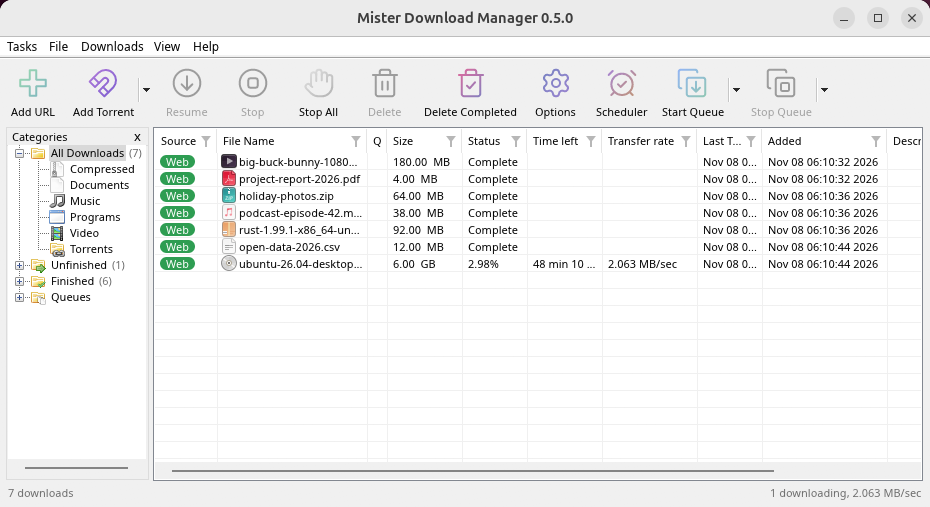
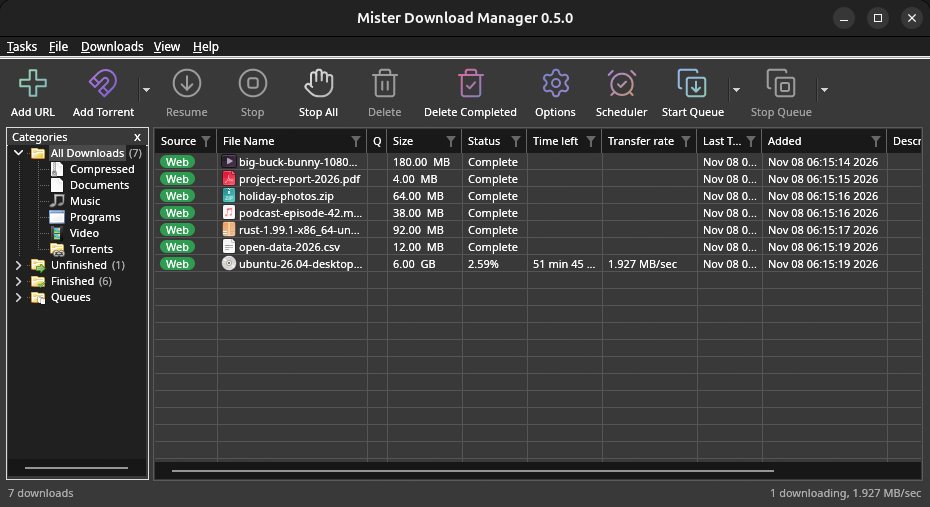
Linux won't be experimental any more: every change is now checked on a Linux desktop as well as
on Windows. GNOME, KDE Plasma, Xfce and Cinnamon were checked window by window: the tray icon and
its menu, Minimize to the notification area, Dark Mode support following the desktop, and the
browsers handing downloads over (Ubuntu's Snap Firefox, Google Chrome and Brave). A Wayland
session runs GDM through XWayland, so menus open under their titles, on tiling compositors such
as sway too. The .deb and .rpm were installed in clean Ubuntu 24.04, Debian 12 and Fedora 45
systems and bring everything GDM needs; from the AppImage or the .tar.gz, a missing library is
named at start with the command that installs it. Update now asks the package manager which
package GDM is.
What's left: the Flatpak Firefox isn't checked yet; screen readers (Orca) don't read GDM's windows on Linux yet; and native Wayland windows can't place menus, so XWayland stays the default. macOS stays experimental: its builds are made and tested by GitHub Actions, not yet on a Mac of ours.
더 작은 Mac 다운로드, 더 가벼운 Linux 업데이트
The Mac gets two smaller downloads, one for Apple Silicon and one for Intel, instead of one
universal .dmg of 80 MB. From 0.2.4 or older, update the Mac once by hand: Download in
Check for updates opens the release, where you pick your Mac's file. The AppImage can update
through AppImageLauncher, Gear Lever and AppImageUpdate, which fetch only the parts that changed.
Linux can draw with Vulkan and macOS with Metal, from View → Draw with, while OpenGL stays the
default there. In a Wayland session, GDM runs through XWayland so its menus open where you click.
무료, 오픈 소스, 광고 없음, 평가판 없음.
Download GolinksPRO Download Manager