

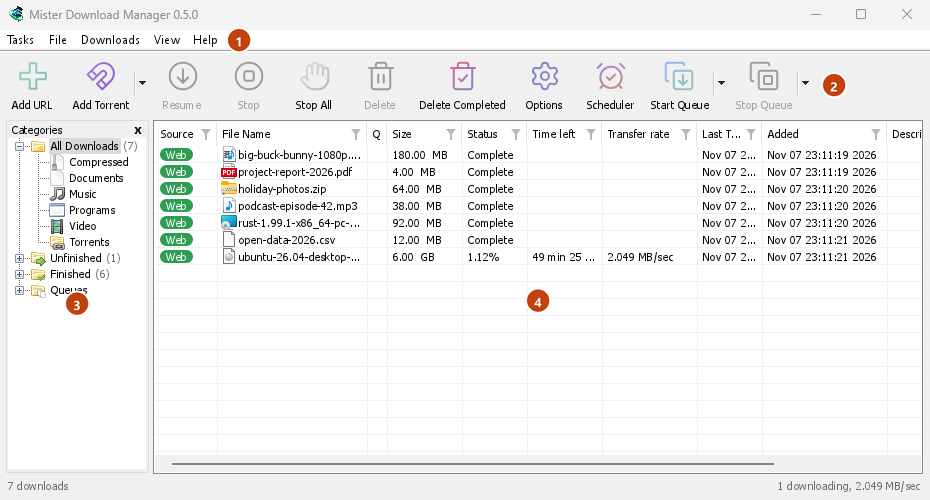
화면 판독기가 화면 내용을 인식합니다
Every window of GDM, its dialogs and menus included, tells a screen reader what each control is, its name and its state. The download list reads each download's name, status and size, so you know what is running and how far it has got without looking.
도움말에는 Windows 화면 판독기인 Narrator와 NVDA가 언급되어 있습니다. Linux 또는 macOS에서 화면 판독기를 사용하신다면, 어떻게 작동하는지 알려주세요.
마우스 필요 없음
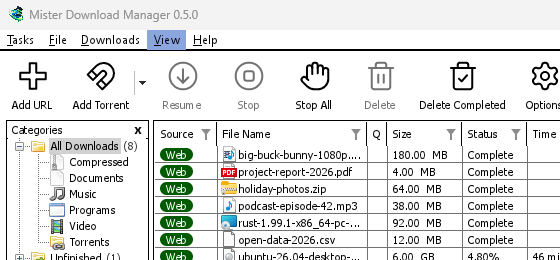
키는 Windows 사용자가 이미 알고 있는 키입니다. Ctrl+N은 다운로드를 추가하고, Ctrl+F는 다운로드를 찾고, Enter는 다운로드를 열고, Alt+Enter는 속성을 표시합니다. F10 또는 Alt는 메뉴를 열고, 밑줄이 그어진 글자는 해당 항목을 실행합니다. Shift+F10 또는 메뉴 키는 선택한 다운로드의 메뉴를 엽니다. Tab은 범주 트리와 목록 사이를 이동하며, 트리는 화살표 키에 반응합니다.
대화 상자에서 Tab은 컨트롤 사이를 이동하고, 화살표는 라디오 그룹과 탭 스트립을 이동하며, Ctrl+Tab은 탭을 변경하고, 이름을 입력하면 모든 목록이나 드롭다운에서 해당 항목으로 이동합니다. URL 추가의 주소와 다른 이름으로 저장은 위 및 아래 키로 탐색할 수 있는 기록을 유지하며, 예약 관리자의 달력은 키보드로 작동합니다. Mac에서는 ⌘이 Ctrl을 대신합니다.
키가 기록되어 있습니다
모든 메뉴에는 각 명령의 키가 옆에 표시되어 있으며, 도움말 → 바로 가기 키에 모든 키가 나열되어 있습니다. 바로 가기 키 페이지에는 창별로 동일한 목록이 있습니다. 키보드를 사용하면 포커스 링이 나타나고, 버튼이 비활성화되거나 Escape 키로 드롭다운이 닫히면 포커스가 이동하거나 돌아오므로, Tab 키가 맨 위에서 다시 시작하는 일은 없습니다.
모든 행, 더 쉽게 읽기
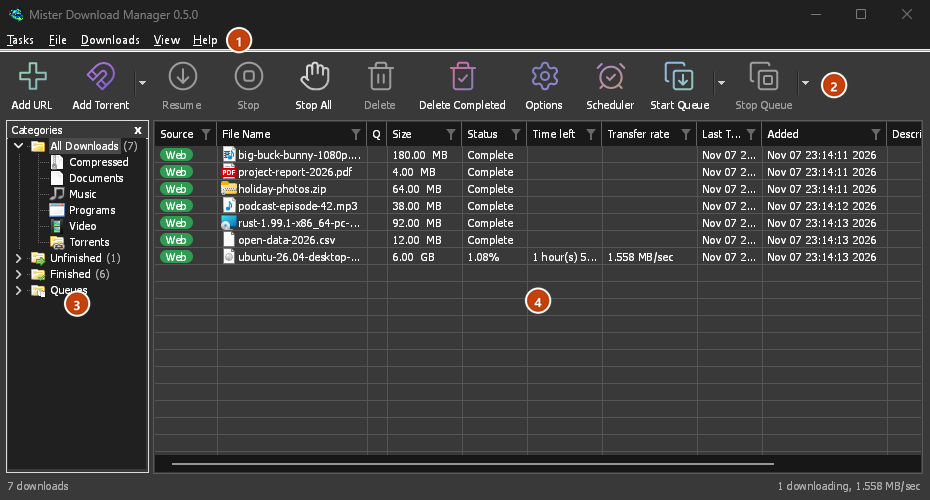
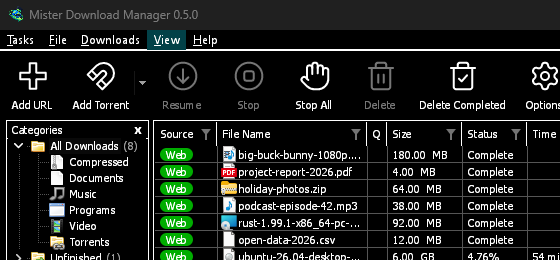
The Categories pane will read as a tree, each category with its count, open or shut, and the menu bar and every right-click menu as menus whose items can be run. Screen readers will reach every row of a list, not only those in view, with its place ("12 of 40"), and lists such as Download video's qualities and Add torrent's files will read with their names and ticks. A window will show its contents the first time a screen reader reads it, and a drop-down's choice can be set by its text. In dark mode, grey notes and error texts will have the 4.5:1 contrast WCAG asks for. View → Theme adds High contrast: black and white, a bright accent, every edge drawn, text at 7:1 or more (see themes). View → Interface size will make every window larger, from 100 % to 200 % on top of the system's display scale, with Ctrl +, Ctrl − and Ctrl 0 in any GDM window, as in a browser; a window larger than the screen scrolls the rest.
무료, 오픈 소스, 광고 없음, 평가판 없음.
Download GolinksPRO Download Manager