

您的订阅源,尽在一个窗口
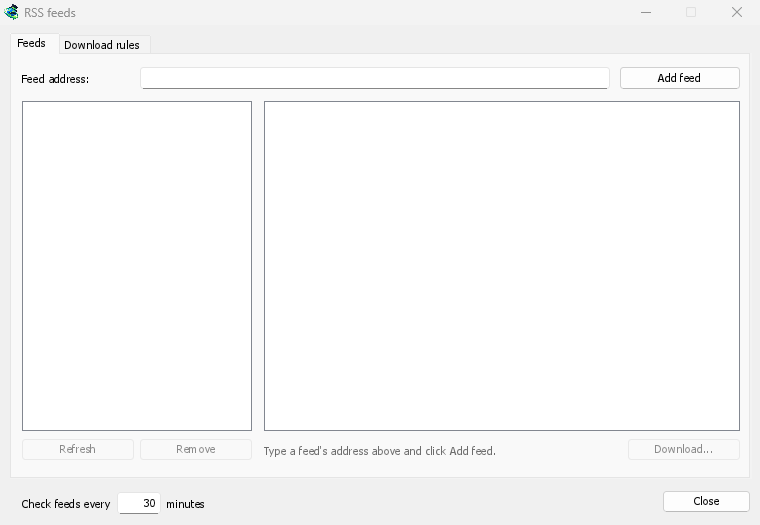
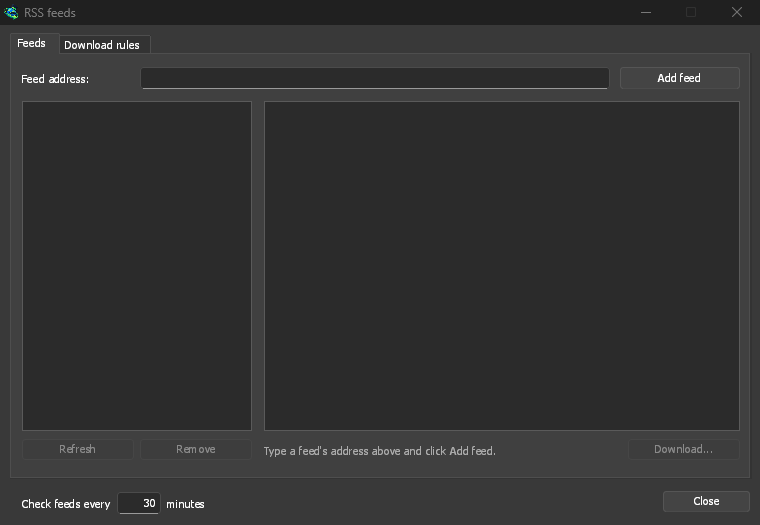
Open Tasks → RSS feeds..., type a feed's address into Feed address and click Add feed. GDM fetches it at once, then every 30 minutes, or as often as you set, down to every 5. Pick a feed to see its articles: one with a torrent shows a torrent icon, and its size when the feed gives it. Double-click an article to open Add torrent with it, as for any torrent.
无法读取的订阅源会以红色显示,并在底部行显示原因。
为您挑选的规则
在下载规则选项卡中,规则会自动添加标题匹配的新文章中的种子,无需询问:
- 必须包含:标题中必须包含的词语,所有词语,顺序不限。
1080p|2160p表示两者之一,*和?是通配符。 - 不得包含:使规则跳过文章的词语。
- 正则表达式,适用于需要它们的用户,在相同的两个框中。
- 保存到:规则种子的文件夹,如果您更愿意自己启动它们,则选择添加但不启动。
每集一次
剧集会读取标题中的S01E05或1x05。1x2是第 1 季第 2 集;1x5-8是第 5 到 8 集;2x1-是第 2 季及之后的所有内容。一个规则每集只取一次:当它已经添加的剧集的第二个版本出现时,它会被跳过。
没有意外的积压
规则只查看自上次获取订阅源以来新增的文章,并且订阅源的首次获取只列出已有的内容。添加订阅源或规则绝不会下载其全部历史记录。当前匹配...篇文章显示规则将获取哪些文章,因此您可以检查它并手动下载这些文章。
A torrent the list already has isn't added again, and GDM never writes into files it didn't make without asking. The window is made for feeds of torrents: an article opens in Add torrent, and a rule adds torrents.
免费、开源、无广告、无试用版。
Download GolinksPRO Download Manager