

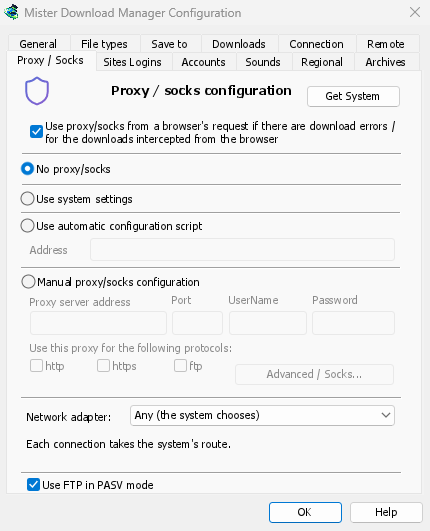
پروکسی که از قبل استفاده میکنید
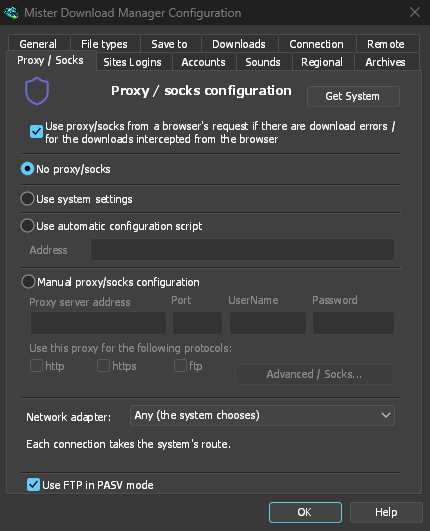
بدون پراکسی/SOCKS مستقیما متصل میشود؛ این گزینه پیشفرض است. استفاده از تنظیمات سیستم پروکسی تنظیم شده در Windows را به کار میگیرد. پیکربندی دستی پراکسی/SOCKS آدرس و درگاه پروکسی، نام کاربری و گذرواژه را در صورت نیاز، و پروتکلهای مربوطه را میپذیرد. یک پروکسی SOCKS را به صورت socks5://host بنویسید. دریافت سیستم فیلدها را از تنظیمات Windows پر میکند تا از آنجا تنظیمات را تغییر دهید.
If your network gives a proxy auto-config (PAC) script, type its address, or pick the file,
under Use automatic configuration script. GDM fetches it and asks it which way each download
goes (PROXY, SOCKS or DIRECT), as browsers do. Until it has been fetched, or if it can't be,
GDM uses the system's settings.
FTP هرگز از پروکسی عبور نمیکند، بنابراین کادر ftp پروکسی خاکستری باقی میماند.
افزونه VPN مرورگر، دنبال میشود
With Use proxy/socks from a browser's request (on by default), a download GDM takes from the browser goes through the proxy the browser used for it: a VPN or proxy extension's, the browser's own manual proxy, or its auto-config script. Content limited to the VPN's country keeps working. In Firefox, switch on Send downloads through this browser's proxy or VPN extension in the extension's popup. Chrome, Edge, Brave, Opera and Vivaldi can't hand the proxy over yet: set the same proxy in GDM there. A proxy that needs the VPN extension's own login can't be shared, and the download says so rather than going without it.
گذرواژه پروکسی به زنجیره کلید سیستم منتقل میشود: Windows Credential Manager، keyring در Linux، macOS keychain.
انتخاب سرویسدهنده DNS
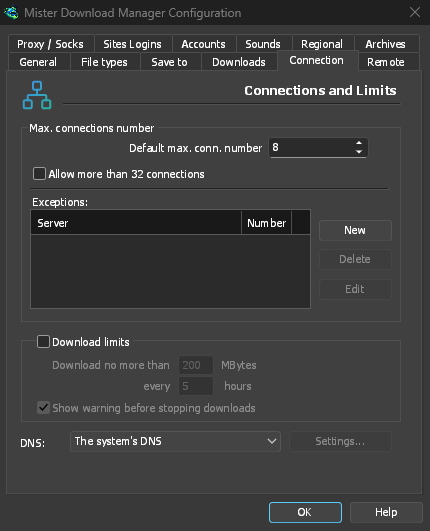
Options → Connection → DNS picks who turns names into addresses for downloads, FTP, GDM's own downloads and the update check: the system's (the default), Cloudflare, Google, Quad9, AdGuard, NextDNS with your configuration ID, or your own. It is asked over HTTPS (the default) or TLS, so nobody on the way sees or changes the names you look up, or plainly over TCP. Test shows how long it takes to answer.
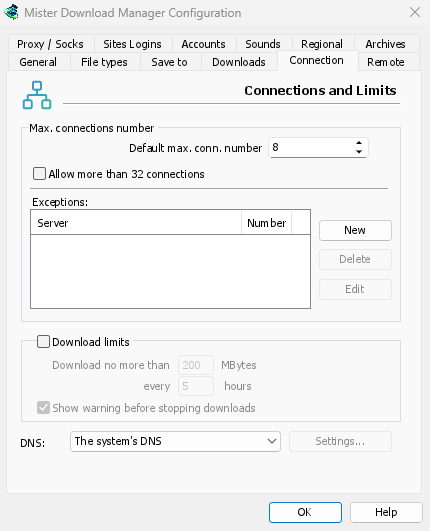
اگر DNS قابل دسترسی نباشد، بارگیری با پیامی که نام آن را ذکر میکند متوقف میشود، مگر اینکه اجازه دهید به DNS سیستم بازگردد. فایل hosts و نامهای محلی شما با DNS سیستم باقی میمانند و صفحات ویدئویی و ردیابهای تورنت همچنان از آن استفاده میکنند. خط فرمان get، --dns را میپذیرد.
یک آداپتور برای همه چیز
برای نگهداری هر اتصال به VPN شما، با یک kill switch در صورت قطع شدن، به آداپتور شبکه مراجعه کنید.
رایگان، متنباز، بدون تبلیغات، بدون دوره آزمایشی.
Download GolinksPRO Download Manager