

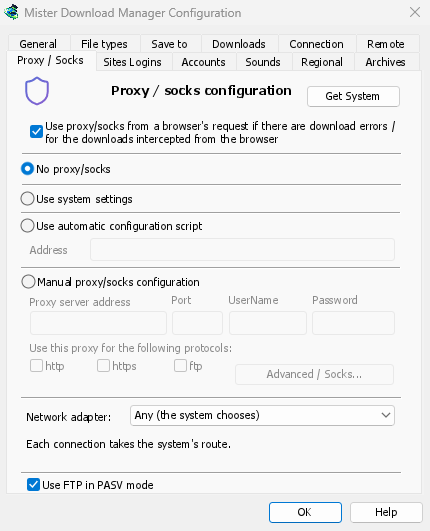
기존 프록시 사용
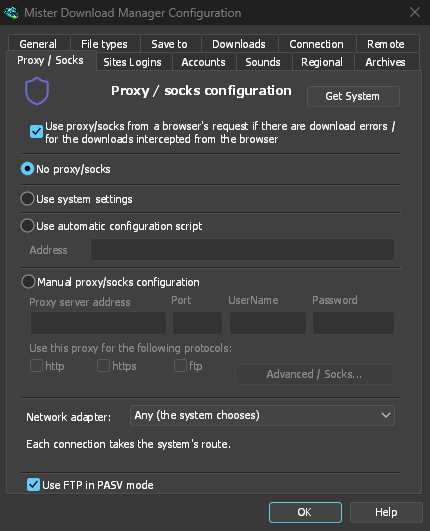
프록시/SOCKS 없음은 직접 연결하며 기본값입니다. 시스템 설정 사용은 Windows에 설정된 프록시를 사용합니다. 수동 프록시/SOCKS 구성은 프록시 주소와 포트를 입력하고, 필요한 경우 사용자 이름과 암호를 입력하며, 사용할 프로토콜을 지정합니다. SOCKS 프록시는 socks5://host와 같이 작성합니다. 시스템 가져오기는 Windows 설정에서 필드를 채워 넣으므로, 거기서부터 조정할 수 있습니다.
If your network gives a proxy auto-config (PAC) script, type its address, or pick the file,
under Use automatic configuration script. GDM fetches it and asks it which way each download
goes (PROXY, SOCKS or DIRECT), as browsers do. Until it has been fetched, or if it can't be,
GDM uses the system's settings.
FTP는 프록시를 통하지 않으므로, 프록시의 ftp 상자는 회색으로 비활성화됩니다.
브라우저의 VPN 확장 프로그램 따르기
With Use proxy/socks from a browser's request (on by default), a download GDM takes from the browser goes through the proxy the browser used for it: a VPN or proxy extension's, the browser's own manual proxy, or its auto-config script. Content limited to the VPN's country keeps working. In Firefox, switch on Send downloads through this browser's proxy or VPN extension in the extension's popup. Chrome, Edge, Brave, Opera and Vivaldi can't hand the proxy over yet: set the same proxy in GDM there. A proxy that needs the VPN extension's own login can't be shared, and the download says so rather than going without it.
프록시 암호는 시스템 키체인(Windows 자격 증명 관리자, Linux의 키링, macOS 키체인)으로 이동합니다.
이름 확인자 선택
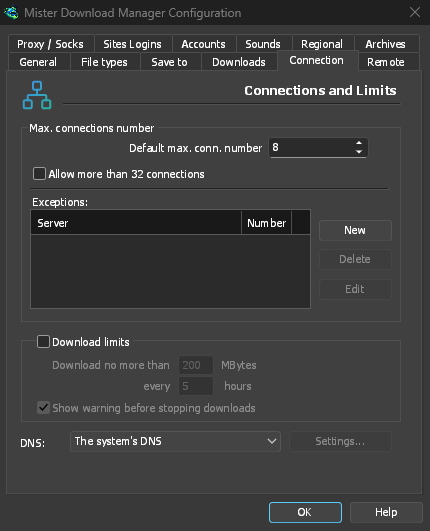
Options → Connection → DNS picks who turns names into addresses for downloads, FTP, GDM's own downloads and the update check: the system's (the default), Cloudflare, Google, Quad9, AdGuard, NextDNS with your configuration ID, or your own. It is asked over HTTPS (the default) or TLS, so nobody on the way sees or changes the names you look up, or plainly over TCP. Test shows how long it takes to answer.
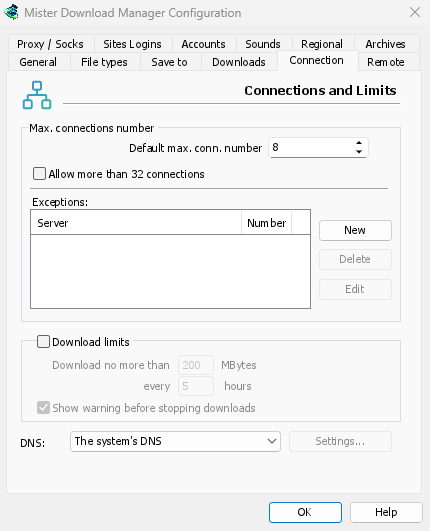
DNS에 연결할 수 없는 경우, 시스템 DNS로 대체하는 것을 허용하지 않으면 다운로드가 해당 메시지와 함께 중지됩니다. 호스트 파일과 로컬 이름은 시스템 DNS를 따르며, 비디오 페이지와 토렌트 트래커도 여전히 시스템 DNS를 사용합니다. 명령줄의 get은 --dns를 사용합니다.
모든 연결에 하나의 어댑터
VPN에 대한 모든 연결을 유지하고 연결이 끊어질 때 킬 스위치를 사용하려면 네트워크 어댑터를 참조하세요.
무료, 오픈 소스, 광고 없음, 평가판 없음.
Download GolinksPRO Download Manager