

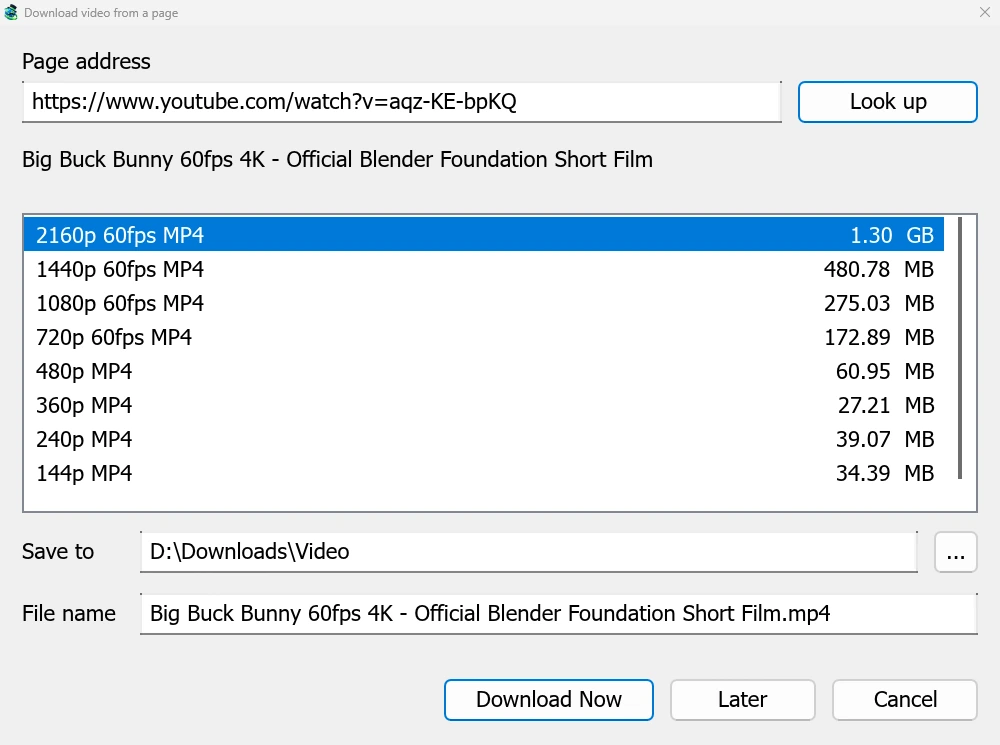
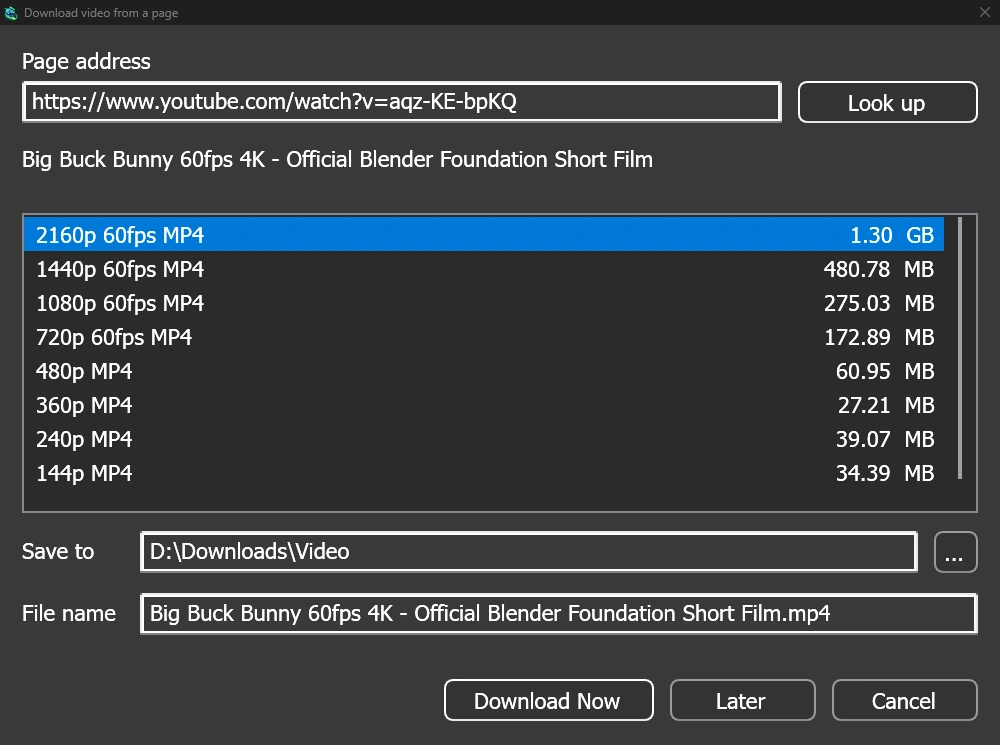
Eén venster voor elke videopagina
Give a video's page address to Add URL (Ctrl+N) and GDM sees that it is a video page: Download video from a page opens and looks it up. YouTube, Vimeo, Dailymotion, Twitch, TikTok, Instagram, Reddit and well over a thousand other sites work. With the browser extension, the button over a video opens the same window.
De lijst toont elke kwaliteit met de grootte, de beste eerst, en het geluid alleen aan het einde. Controleer Opslaan in en Bestandsnaam en klik vervolgens op Nu downloaden, of op Later om deze later aan de lijst toe te voegen. De video krijgt een eigen rij en voortgangsvenster, net als elke andere download.
Twee hulpprogramma's, gecontroleerd voor gebruik
GDM doesn't do this alone, and doesn't pretend to. yt-dlp reads the page and downloads the video. ffmpeg joins the picture and the sound when a site keeps them apart, which most sites do for their higher qualities. GDM offers both on its first start and downloads them from their official releases, checked against what their publishers sign before it uses them. On Linux and macOS GDM uses the system's ffmpeg.
Zonder ffmpeg krijgt u nog steeds de kwaliteiten die met hun geluid komen.
Wat het niet doet
Videos protected with DRM, as most paid streaming services use, can't be downloaded, and GDM doesn't try. Downloading may be against some sites' terms: checking that is up to you.
Sites change often, and a newer yt-dlp usually fixes a video that stopped working. GDM doesn't update yt-dlp on its own yet; the help shows how to get the newest one.
Afspeellijsten, ondertitels en MP3
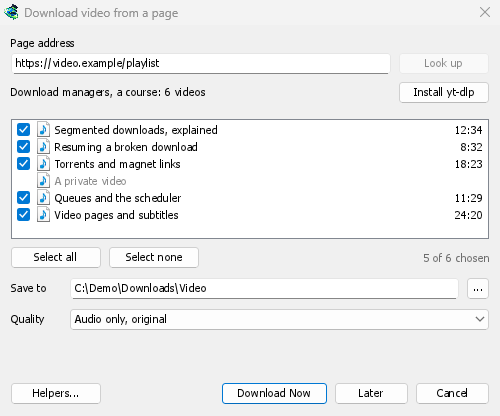
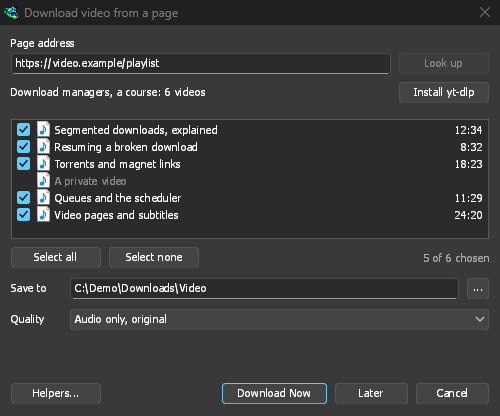
- Afspeellijsten en kanalen: plak het adres van een afspeellijst of een kanaal en het venster toont de video's, allemaal aangevinkt. Eén kwaliteit is van toepassing op allemaal, en ze worden in een map geplaatst die is genoemd naar de lijst. Een kanaal wordt per 50 video's weergegeven, met Meer laden.
- Ondertitels: eerst de talen van de uploader, daarna de automatische ondertitels van de site. Ze worden naast de video opgeslagen, of met ffmpeg in een MP4- of MKV-bestand geplaatst.
- Alleen het geluid: Alleen audio MP3 met de beste variabele bitrate of met 320, 256, 192 of 128 kbps, Alleen audio OPUS, en Alleen audio FLAC, met de eerlijke opmerking dat FLAC geen kwaliteit kan toevoegen die het geluid van de site niet heeft.
- Video's waarvoor u moet zijn aangemeld: Opties → Siteaanmeldingen → Cookies voor videosites laat yt-dlp de cookies van een browser lezen, voor geplakte links. Chrome, Edge en Brave vergrendelen die op Windows, en het venster vermeldt dit; Firefox werkt, en de knop boven de video ook.
- Uw eigen yt-dlp en ffmpeg: Hulpprogramma's... gebruikt een kopie die u al heeft.
Gratis, open source, geen advertenties, geen proefversie.
Download GolinksPRO Download Manager